August 2, 20267 min read
Google Drive or Dedicated Software: How Dog Trainers Really Organize Client Tracking
Many dog trainers start with Google Drive. It's a solid choice — up to a point. An honest comparison to help you make the right call.
PawTracker
Many dog trainers start with Google Drive. It's a solid choice — up to a point. An honest comparison to help you make the right call.
That's an answer I got recently, talking with a dog trainer about how she organizes her work. She uses Google Workspace, sets up a shared folder for every client, and keeps assessments, reports, and goals in there.
It's clean. It's structured. And it works.
She's not the only one. A lot of dog trainers work this way — and they have good reasons to.
This isn't about arguing Google Drive is a bad choice. It's about honestly asking: at what point does something else start to make more sense?
Google Drive is free, works on any device, and everyone already knows how to use it. No training needed, no subscription to justify, no migration to plan.
For a trainer just starting out — or working with a limited number of active clients — it's a solid choice. It lets you quickly set up a structure per client, share documents with owners, and centralize information in a space everyone already knows.
It's also flexible. Everyone can organize it their own way: a folder per dog, a document per session, a monthly summary file. There's no imposed format.
And that flexibility is both its biggest strength — and its first limitation.
Easy to adopt. No new tool to learn. If you already use Gmail and Google Docs, you're already in the ecosystem.
Easy sharing. One link, and the owner has access to the shared document. No email attachments, no PDF to resend every time.
Full customization. You structure your folders however you want. Nothing is imposed on you.
Cost. Free for basic use. Google Workspace (the paid tier) stays affordable.
Reliability. Files are backed up, accessible anywhere, synced in real time. No risk of losing a notebook or a local file.
They don't hit all at once. They build up.
With five clients, navigating between folders is quick. With fifteen or twenty active dogs — and histories that keep growing — finding one specific piece of information becomes a search in itself.
Where was Koda's assessment? Which document mentions that this dog reacts to bikes? Which session covered recall around distractions?
Google Drive doesn't intuitively search inside the content of your documents. It stores. It doesn't structure.
In a well-kept Google Drive folder, you've got a document per session — or one ongoing document. But a dog's six-month progression, the milestones hit, the goals reached and the ones still resisting — that doesn't show up at a glance.
You have to open, scroll, and piece it together. It's doable. It's time-consuming.
Setting goals at the start is great. Knowing where things stand three months later, without reopening the entire folder, is a different story.
Google Drive has no concept of a goal, a progression, a milestone reached. You have to reconstruct it yourself, every time.
Sharing a Google Drive link is simple. But the owner lands in an interface that wasn't built for them — folders, files, a structure they need to figure out.
Some get lost in it. Others never open the link at all. And when you update a document, nothing lets them know.
A Google Drive folder after two years is an archive. Rich, but static. It doesn't help you prep for the next session, spot what's stuck, or see the overall progress across your client base.
The core difference isn't storage. It's structure.
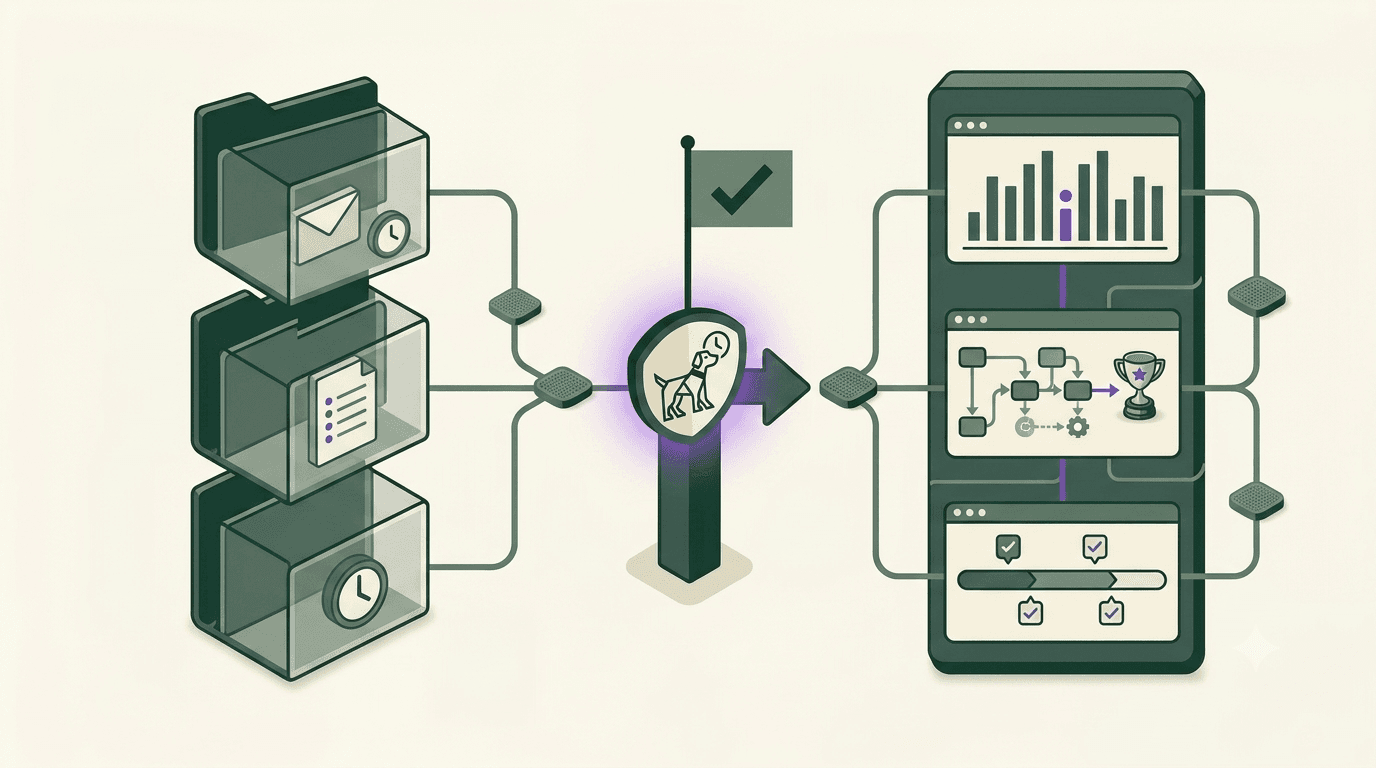
Dedicated software starts from the dog, not the file. Every piece of information is tied to a profile, a stay, a session. You're not searching through a folder tree. You open Scout's profile, and everything's right there: the initial assessment, the goals, sessions in order, homework given, reports sent.
What that actually changes:
Session prep. You walk in already knowing exactly where things stand — not reconstructing it from memory.
Client sharing. The owner gets a link to their own dedicated space, built to be read on a phone, with no folders to navigate.
Goal tracking. Progress is visible over time, session after session, without opening twenty documents.
Time saved operationally. Less searching, less formatting, less copy-pasting between different tools.
Let's be clear: Google Drive remains an excellent solution in plenty of situations.
If you're just starting out with fewer than five active clients, setting up specialized software is premature. That energy is better spent elsewhere.
If you already have a well-oiled system on Google Drive — document templates, a clear structure, established habits — and it works without friction, there's no reason to switch.
If your tracking stays mostly documentary (assessments, PDF reports), with no real need to connect sessions together or track goals over time, Google Drive covers the need just fine.
The switch usually happens around the same moment: when finding information or prepping a session starts taking longer than the session itself.
More specifically, dedicated software starts making sense when:
PawTracker was built with exactly that in mind: not replacing what already works well for you, but structuring what gets hard to manage by hand once volume picks up.
Can I use both at the same time? Yes, and a lot of trainers do during a transition period. Google Drive for admin documents and contracts, dedicated software for day-to-day session tracking and client updates. The two coexist just fine.
Is dedicated software more secure than Google Drive? Both serious options offer a comparable level of security for this kind of professional data. That's usually not the deciding factor in this choice.
How long does migrating from Google Drive take? It depends on how much history you're moving over. Starting fresh with new clients only — without migrating existing files — takes about an hour to get set up. A full migration of existing history takes longer, but it's rarely something you need to do all at once.
Does Google Drive notify owners when a document is updated? Not natively. You can share a link and let the owner know by message, but there's no automatic notification. Dedicated software usually handles that directly from the interface.
Does a solo trainer really need software, or is this more for multi-trainer businesses? Solo trainers are often the ones who benefit the most from a structured tool — precisely because there's no one else to share the organizational load with. A multi-trainer business can split the work; a solo trainer carries all of it alone.
Google Drive or dedicated software — the question isn't which one is objectively better. It's which one fits your volume, your way of working, and how much friction you're willing to live with.
What the trainers I've talked with have in common, whatever their setup: they made a conscious choice. They didn't just end up with their organization — they built it.
That's probably the real starting point.